


.png)



Most manufacturing floors and service teams still rely on paper binders, tribal knowledge, or outdated PDFs to guide daily tasks. The result is predictable: inconsistent output, longer training cycles, and errors that cost real money. Switching to digital work instructions changes that equation.
Instead of static documents gathering dust, teams get living, interactive guides accessible from any screen. But the shift is not as simple as scanning old SOPs into a tablet. A successful rollout demands careful planning, the right platform, smart content design, and a commitment to iteration.
This guide walks through each stage, from auditing your current processes to building a feedback loop that keeps your instructions accurate long after launch. Whether you run a 10-person shop or a facility with hundreds of operators, the principles here apply.
The goal is a system your people actually want to use, one that reduces mistakes and speeds up every shift.
Assessing Your Current Workflow and Documentation Needs
Before you pick software or start filming how-to videos, step back. You need a clear picture of where your documentation stands today and which processes will benefit most from going digital.
Identifying High-Impact Processes for Digitization
Not every task deserves the same level of attention. Start by listing processes where errors are most frequent or consequences are most expensive. Assembly sequences with tight tolerances, safety-critical inspections, and multi-step changeovers are good candidates.
Rank each process by three criteria: frequency of execution, cost of failure, and complexity. A task performed 50 times a day with a 4% defect rate will deliver faster ROI than one done weekly with near-perfect results. Pull data from your quality management system, maintenance logs, or ERP to back up your rankings with numbers, not guesses.
This prioritized list becomes your roadmap. You will tackle high-impact items first during the pilot phase and expand from there.
Evaluating Existing Knowledge Gaps and Pain Points
Talk to the people who do the work. Operators, technicians, and line leads know exactly where instructions fall short. Common complaints include missing steps, outdated photos, and conflicting versions floating around the floor.
Run short interviews or shadow sessions. Ask where workers improvise because the written procedure is unclear. Document every workaround you find: these are symptoms of a broken documentation system. Pay attention to onboarding pain too. If new hires take weeks to reach full speed, your instructions are likely part of the problem.
Capture these findings in a simple spreadsheet. Each gap or pain point will inform the content you create later.
Selecting the Right Digital Work Instruction Platform
Your platform choice shapes everything that follows. A poor fit leads to frustration, low adoption, and wasted budget. Spend the time upfront to evaluate options against your real requirements.
Essential Features: Multimedia Support and Version Control
At minimum, the platform should handle images, video clips, and annotated diagrams within each step. Text-only instructions miss the mark for complex tasks. Look for drag-and-drop editors that let subject matter experts build content without coding skills.
Version control is non-negotiable. You need a clear audit trail showing who changed what and when. In regulated industries like aerospace or pharma, this is a compliance requirement. Even outside those sectors, version control prevents the "which copy is current?" confusion that plagues paper-based systems.
Other features worth evaluating:
-
Integration with your existing MES, ERP, or quality platforms
-
Role-based access controls so only authorized users can edit
-
Multilingual support if your workforce speaks more than one language
-
Offline mode for areas with spotty connectivity
Mobile Accessibility and Hardware Compatibility
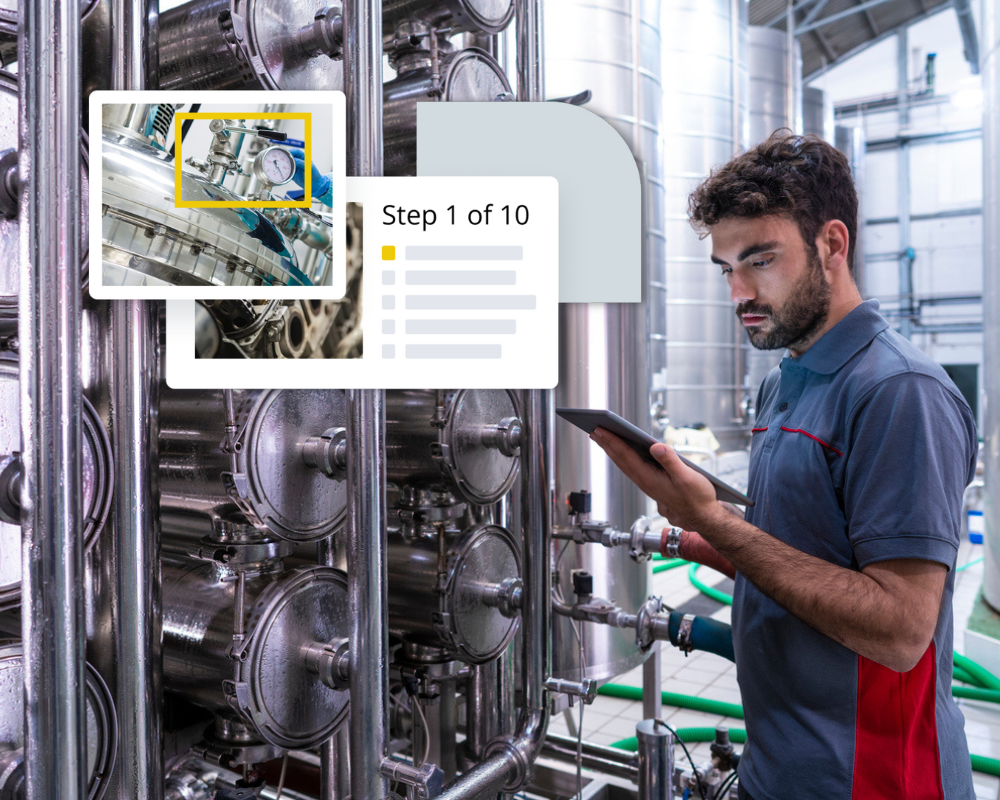
Your instructions need to work where the work happens. That means tablets on the shop floor, phones in the field, or fixed terminals at workstations. Test the platform on the actual devices your team will use, not just a laptop in a conference room.
Check screen responsiveness. A procedure that looks great on a 12-inch tablet may be unreadable on a 6-inch phone. Ask vendors about browser requirements and whether a native app is available. Native apps typically perform better offline and can access device cameras for photo verification steps.
Consider rugged hardware if your environment involves dust, moisture, or drops. A consumer-grade tablet will not survive six months on a factory floor without a protective case.
AI Generated Work Instructions and Conversion
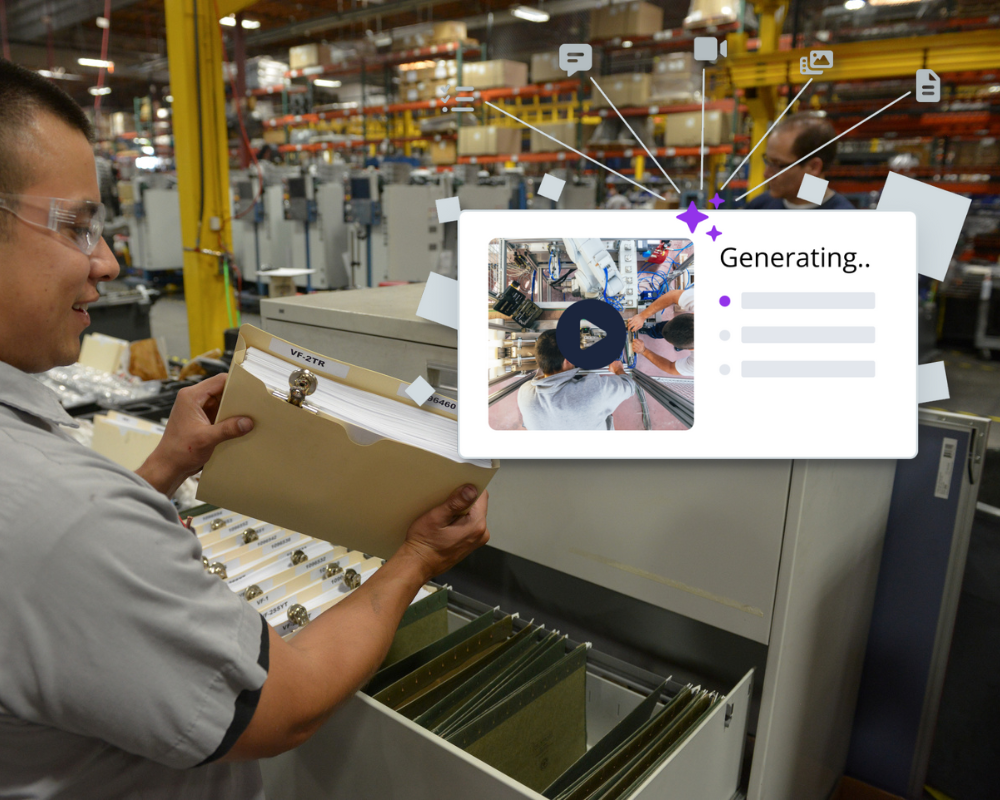
Transforming tribal knowledge and legacy data into actionable insights is a massive hurdle for modern industry, but AI provides a seamless bridge. Leveraging AI to generate digital work instructions from video fundamentally changes how tribal knowledge is captured.
Instead of forcing expert technicians to manually document complex, nuanced procedures, AI can automatically analyze video footage of a task, extract the optimal sequence of steps, and generate crystal-clear annotations. This ensures that subtle, real-world efficiencies aren't lost in translation. Simultaneously, using AI to convert paper work instructions into a structured digital format solves the headache of legacy data silos. Static PDFs and binder-bound sheets are prone to version-control issues and lack searchability.
AI quickly digitizes these documents, parsing text and diagrams into standardized, interactive modules. By uniting these two AI-driven capabilities, organizations can rapidly build a centralized, dynamic knowledge base. This digital transformation drastically accelerates employee onboarding, minimizes human error on the shop floor, and ensures that standard operating procedures are always accurate, accessible, and easily updated in real time.
Designing Interactive and User-Centric Content
Great software means nothing if the content inside it is confusing. The design of each instruction set determines whether operators follow it or ignore it.
Leveraging Visuals, Video, and 3D Annotations
A single well-placed photo can replace an entire paragraph of text. Capture images from the operator's point of view, not from across the room. Use arrows, circles, or callout boxes to highlight exactly where a fastener goes or which connector to pull.
Short video clips work well for tasks involving motion or sequence: think torque patterns, hand placement during assembly, or proper PPE donning. Keep clips under 30 seconds. Longer videos lose attention and are harder to update.
3D annotations are gaining traction in 2026, especially for complex assemblies. Some platforms now let you embed interactive 3D models that operators can rotate and zoom. This is particularly useful for maintenance tasks on equipment with hidden components.
Structuring Steps for Maximum Readability
Each step should describe one action. "Remove the four M6 bolts and lift the cover plate" is actually two steps. Splitting them reduces errors and makes it easier to track where someone went wrong.
Use consistent formatting across all instructions:
-
Start each step with a verb (install, inspect, torque, verify).
-
Include the acceptance criteria right in the step, not buried in a footnote.
-
Add decision points clearly: "If measurement exceeds 0.5 mm, escalate to supervisor."
Avoid jargon that new hires will not understand. If a term is unavoidable, include a tooltip or glossary link. White space matters too. Cramming ten steps onto one screen defeats the purpose of going digital.
Executing a Phased Rollout Strategy
Resist the urge to deploy everything at once. A phased approach reduces risk and gives you time to learn from early mistakes.
Running a Pilot Program with Key Stakeholders
Pick one production line, one shift, or one department for the pilot. Choose a group that includes both experienced operators and newer team members. This mix gives you feedback from different skill levels.
Define success metrics before the pilot starts. Useful indicators include task completion time, error rates, and user satisfaction scores. Run the pilot for at least four weeks to capture enough data and account for normal variation.
Assign a dedicated point person to collect feedback daily during the pilot. Small issues caught early, like a confusing photo or a missing step, are cheap to fix. The same issues discovered after a full-scale launch become expensive headaches.
Training the Team and Encouraging Adoption
Training does not mean a one-hour PowerPoint session. Hands-on practice with the actual platform, on the actual devices, is what sticks. Let operators walk through a familiar procedure using the new digital format while a trainer stands nearby.
Address resistance honestly. Some experienced workers will view digital instructions as unnecessary oversight. Frame the change around their expertise: they are the ones who will help build and validate the content. Their knowledge is what makes the instructions accurate.
Recognize early adopters publicly. A quick shout-out during a team meeting or a small incentive goes a long way. Peer influence drives adoption faster than any top-down mandate.
Dozuki provides dedicated service and support teams to help ensure a seamless rollout across operations.
Monitoring Performance and Continuous Improvement
Launching your digital instructions is not the finish line. It is the starting point for a cycle of measurement and refinement.
Analyzing Usage Data and Completion Rates
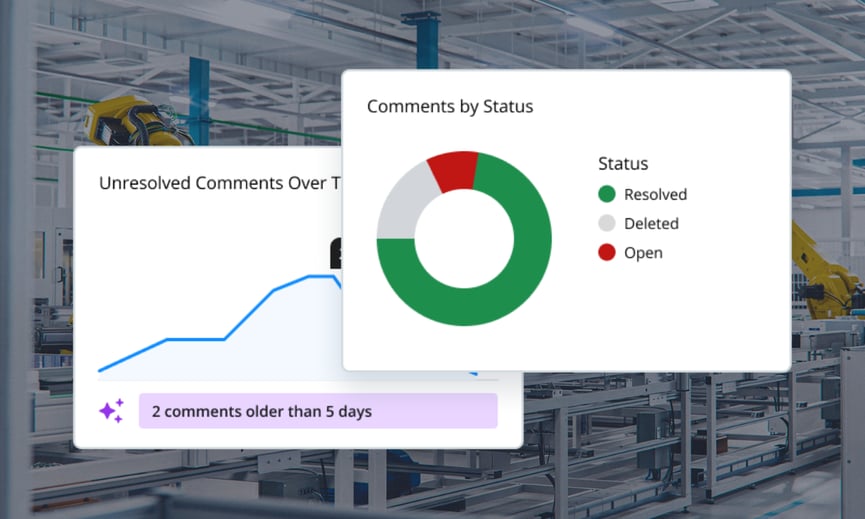
Most platforms generate analytics showing which instructions get used, how long each step takes, and where users pause or backtrack. These patterns reveal content problems. If 60% of operators spend three times longer on step seven than expected, that step probably needs rewriting or a better visual.
Track completion rates by shift, role, and experience level. Low completion among veterans might mean they are skipping the tool entirely. Low completion among new hires might signal confusing content. Each scenario requires a different response.
Compare quality metrics before and after implementation. If your defect rate on a particular assembly dropped from 3.2% to 1.1% after deploying digital instructions, that is a concrete win you can use to justify expanding the program.
Establishing a Feedback Loop for Content Updates
Build a simple mechanism for operators to flag issues in real time. A "report a problem" button within each instruction is the most effective approach. Route these flags directly to the content owner for review.
Schedule quarterly content audits. Engineering changes, new tooling, and updated safety requirements all demand instruction revisions. Without a regular cadence, your digital instructions will drift out of date just like the paper ones they replaced.
Assign clear ownership for each instruction set. When everyone is responsible, no one is responsible. A named content owner ensures updates happen promptly and consistently.
Making Digital Instructions a Lasting Advantage
The shift from paper to digital work instructions is a practical investment, not a technology experiment. Start by identifying the processes where better instructions will have the biggest effect.
Choose a platform that fits your environment and your team's devices. Design content that is visual, concise, and structured around single actions. Roll out in phases, measure results, and keep improving.
The organizations that get this right in 2026 are not just reducing errors. They are cutting training time, preserving institutional knowledge, and building a workforce that can adapt faster when processes change.
Your next step is straightforward: audit your current documentation, pick your highest-priority process, and start building. The sooner your team has clear, accessible instructions on screen, the sooner you will see the difference on the floor.


Written by Dozuki
Dozuki is the leading Connected Worker Platform for industrial operations. Since 2011, Dozuki has helped thousands of manufacturing sites standardize processes, upskill their workforce, and capture real-time data to drive continuous improvement. With a focus on ease of use and enterprise-grade security, Dozuki is the...